

In the rapidly evolving field of artificial intelligence, professionals must carefully choose workstations that can handle demanding workloads and adapt to future technological advancements. The right GPU-accelerated AI workstation for deep learning can dramatically increase productivity and deliver better outcomes, whether your focus is on advanced model training, real-time inference, or the deployment of next-generation AI applications.
Understanding your own project requirements is essential for making the best decision. Workstation hardware is advancing at an unprecedented pace, so staying informed about the latest processors, GPUs, and memory architectures is crucial for avoiding costly missteps. For professionals working at the cutting edge, choosing wisely means balancing power, budget, and future-readiness to maximize your return on investment.
As AI applications become more complex, the demands on your system escalate. Workstations today are engineered to handle everything from routine deep learning tasks to multi-experiment pipelines for natural language processing and computer vision. Aligning your system with your workload helps ensure you won’t run into performance bottlenecks that might hinder your research or business objectives.
This guide explores the essential considerations for selecting the right AI workstation, from understanding your needs to leveraging industry trends and prioritizing scalability. The advice presented will help you make a well-informed investment that supports both present and future AI workloads.
Understanding Your AI Workload
AI projects can vary greatly in their computational demands. Are your workloads primarily focused on training complex neural networks, handling large-scale data analysis, or running inference in real time? Deep learning projects, for example, may require GPUs with high tensor processing power, while data preprocessing and feature engineering often depend more on CPU threading and memory bandwidth. Clarifying your main tasks allows you to better match system specs to your daily needs, resulting in greater efficiency and less wasted expenditure.
The type of models you interact with, such as convolutional neural networks for image analysis or transformer architectures for text, also affects your hardware choices. High-resolution imaging or training multimodal AI typically benefits from robust GPU infrastructure and abundant RAM. Matching hardware to use cases maximizes your system’s effectiveness and reduces performance hiccups during critical project phases.
Key Hardware Components
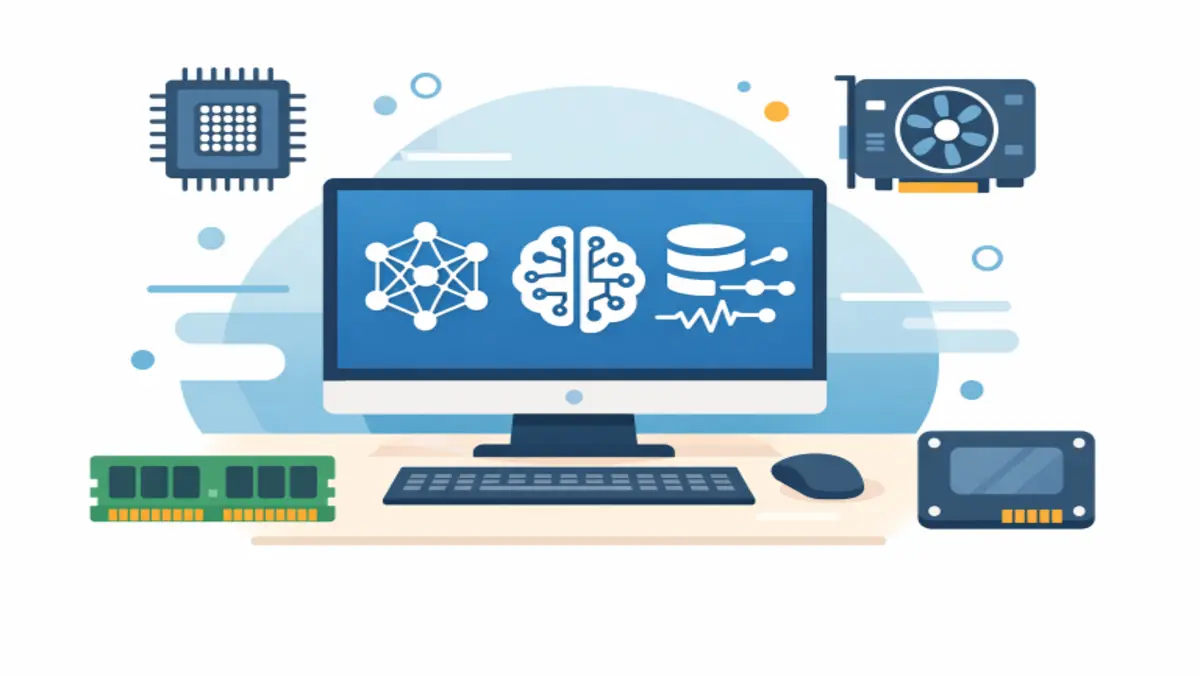
The four main components that should guide your buying decision are CPU, GPU, memory, and storage.
CPU: A modern multi-core processor is essential for orchestrating data handling, loading, and computation tasks not offloaded to the GPU. Consider CPUs with high core counts for multitasking and parallel workloads.
GPU: The core of most AI workstations, a strong GPU accelerates both model training and inference. NVIDIA’s RTX series and the A100/GB300 architectures have become industry mainstays for AI due to their maturation and support across major frameworks. AMD’s MI series is another contender worth consideration, especially for certain workloads.
Memory (RAM): Large models and big datasets demand significant RAM. For deep learning and large-scale experiments, 128GB of RAM is becoming standard, while advanced projects may require even more.
Storage: NVMe SSDs are strongly recommended for fast read and write performance. Systems built for enterprise or large-scale research often feature hybrid configurations that blend high-capacity HDDs for archives and SSDs for active datasets.
Recent Advancements in AI Workstations
Over the last year, AI workstation architecture has advanced significantly. Notably, NVIDIA’s GB300 superchip delivers up to 784GB of unified memory and 20 petaflops of compute potential, designed to handle trillion-parameter models and advanced generative AI applications. Workstations like HP’s ZGX Fury GB300 are now engineered to meet these extremes, supporting fine-tuning, rapid prototyping, and robust multi-experiment cycles for enterprise-scale development.
Other manufacturers, such as MSI with its XpertStation WS300, have leveraged NVIDIA’s DGX Station reference architecture to create ultra-premium desktops aimed at research labs and high-throughput business environments. These machines represent the upper limits of current hardware, offering unparalleled performance at a significant price point.
Balancing Performance and Budget
Ultra-high-end AI workstations command premium prices. MSI’s XpertStation WS300, for example, is priced at $84,999 and targets organizations with expansive research budgets and enterprise needs. For smaller teams or individual practitioners, it is crucial to strike a balance by selecting hardware that reflects both the intensity of your workloads and your available resources. Consider starting with a solid baseline and leaving room for modular upgrades as financial or project needs evolve.
Evaluate which components can be easily swapped or scaled and which represent fixed investments. Prioritize spending on high-throughput GPUs when model training dominates your workflow, but avoid overbuying top-tier CPUs if most of your computation runs on accelerators. This approach enables cost-efficient spending without locking you into an underpowered system.
Future-Proofing Your Investment
Given the pace of AI hardware development, selecting a workstation that can adapt to future needs is critical. Prioritize systems allowing memory, storage, and GPU upgrades. Modular workstation chassis and motherboard architectures with expandable PCIe slots grant more options as your requirements change or as new accelerator cards become available.
Scalability also means considering cloud integration for burst compute tasks and hybrid workflows. Many leading organizations mix on-premises hardware with cloud GPU services, gaining both local security and cloud scalability.
Conclusion
Choosing the right AI workstation requires a methodical assessment of your workload, an up-to-date understanding of hardware advancements, and a strategic approach to budgeting and scalability. Keeping abreast of industry trends and selecting upgradable platforms will help ensure you get the most value and longevity from your AI investment, empowering your workflow in a rapidly changing technological landscape.