

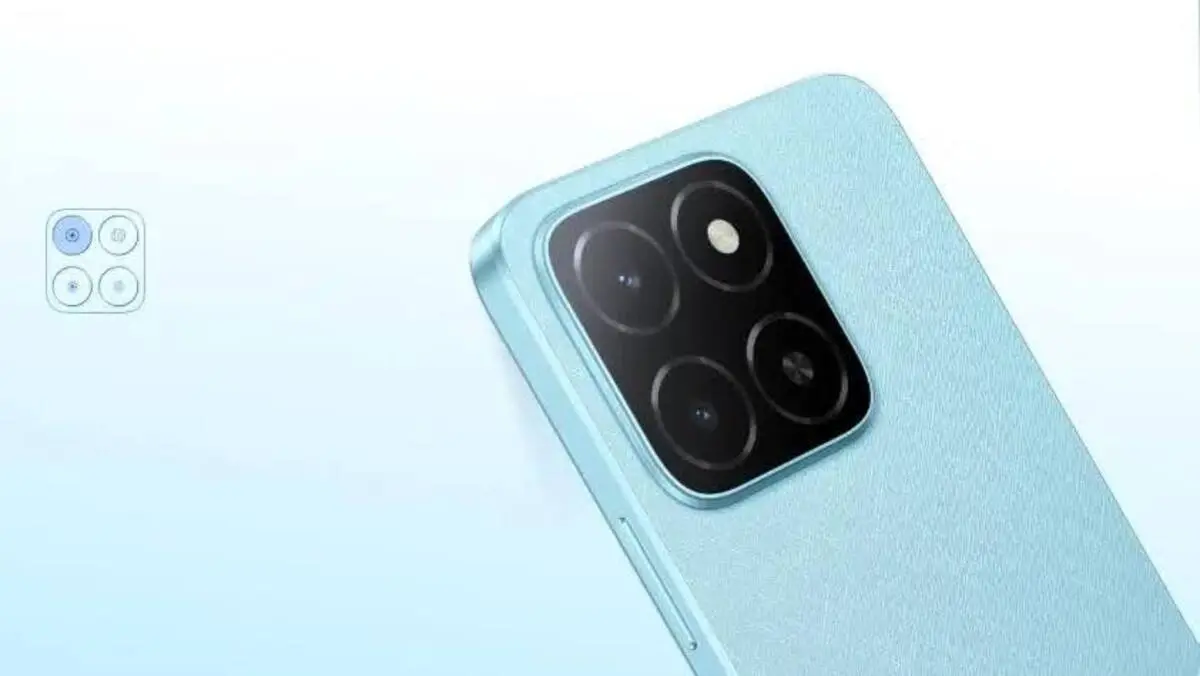
A smartphone camera overview should look beyond megapixels to assess how well a phone captures distant subjects, reproduces natural colors, and preserves fine details. Zoom quality, image processing, autofocus, and low-light performance all influence the final photograph. A camera may produce impressive images in bright daylight but struggle with textures or moving subjects indoors. Understanding these differences helps you judge camera performance more accurately, compare results across shooting conditions, and choose settings that deliver clear, realistic photographs for everyday use.
Smartphone Zoom Performance: How Much Detail Survives?
Optical Zoom vs. Digital Zoom: Image Quality Differences
Optical zoom magnifies a scene through the camera’s optics, preserving more original detail than digital magnification at comparable framing. Digital zoom enlarges a cropped portion of the image, which can soften edges and make textures less distinct. The HONOR X5b Plus smartphone offers a rear-camera Zoom Mode with up to 10X digital zoom. This provides additional framing flexibility, but distant subjects may lose fine detail. For clearer results, move closer when practical and inspect images before sharing.
Fine Details, Textures, and Sharpness at Different Zoom Levels
Hair, cloth, plants, calligraphy, and architectural motifs show zoom quality. These details may be seen at lesser magnifications, but larger digital zoom may soften, sharpen, or watercolorize them. Photograph the same topic at various zoom settings from a steady location to assess outcomes. Enlarge the photographs to investigate fine textures after comparing them at the same size. Use the lowest magnification to frame your subject without losing detail.
Zoom Performance in Landscapes, Portraits, and Distant Scenes
Smartphone zoom strengths and limitations vary by topic. Portraits benefit from realistic proportions and properly portrayed face characteristics, whereas landscapes need detailed flora and distant structures. Zooming in on animals or signage helps when approaching is impracticable. However, digital magnification increases blur and noise. Keep the phone stable, photograph in decent light, and avoid maximum zoom when quality matters more than reach. Overview the finished picture to ensure key elements are visible.
Color Accuracy and Image Processing in Everyday Photos
Skin Tones, White Balance, and Natural Color Reproduction
Natural color reproduction depends on white balance, lighting, and the camera’s processing choices. Incorrect white balance can make skin appear too orange, too cool, or unnaturally green. Photograph people near soft, neutral light and compare their skin tones with what you see in person. Mixed lighting can confuse automatic adjustments, so move toward a consistent light source when possible. If your camera supports manual white balance, adjust it carefully. Aim for believable skin tones rather than exaggerated warmth or brightness.
HDR Performance, Highlight Recovery, and Shadow Detail
High dynamic range (HDR) processing helps a camera preserve detail when a scene contains bright highlights and dark shadows. It can reveal clouds in a bright sky while keeping shaded objects visible. However, aggressive HDR may produce halos around edges, flattened contrast, or an unnatural appearance. Test HDR with backlit people, bright windows, and outdoor scenes. Compare the result with a standard photograph, paying attention to highlights, shadow texture, and overall realism. Use HDR when the lighting challenge justifies additional processing.
Oversaturation, Contrast, and Smartphone Image Processing
Smartphone image processing often adjusts saturation, contrast, sharpness, and brightness automatically to make photos immediately appealing. Excessive processing can make grass unnaturally vivid, skies overly blue, and shadows too dark. Strong sharpening may also create bright outlines around objects. Check whether colors resemble the actual scene and whether subtle textures remain visible. If your camera offers natural or standard color settings, try them for more faithful results. A balanced photograph usually retains convincing color, depth, and tonal detail without dramatic enhancement.
Image Detail, Sharpness, and Low-Light Performance
Fine Textures and Edge Sharpness in Daylight
Bright daylight generally gives a smartphone camera more information to work with, helping it capture crisp edges and detailed textures. To assess sharpness, photograph objects with fine patterns, such as woven fabric, leaves, printed text, or brickwork. Keep the lens clean, hold the phone steadily, and tap the main subject to focus. Inspect the center and corners of the image for softness. Good sharpness should reveal genuine texture rather than artificial outlines created by aggressive digital sharpening.
Noise Reduction and Detail Retention in Night Photos
In low light, smartphone cameras often increase sensitivity and apply noise reduction to make images look cleaner. Strong noise reduction can remove grain but also erase hair, fabric texture, and small background details. Hold the phone steady, use a stable light source, and avoid digital zoom when possible. Night mode can combine multiple exposures to improve brightness and reduce noise, but movement during capture may create ghosting. Compare night-mode and standard images to find the best balance between clean shadows and retained detail.
Autofocus Accuracy, Motion Blur, and Consistency Between Shots
Accurate autofocus keeps important details sharp, but performance can decline in dim light or with fast-moving subjects. Motion blur can also soften a photograph even when the camera focuses correctly. Tests autofocus by photographing stationary objects at different distances, then repeat with a moving subject. Take several frames and check whether the focus lands consistently on the intended target. Use continuous autofocus or burst mode if available. Reliable results require both correct focus and a shutter speed fast enough to control movement.
Conclusion
A useful smartphone camera overview evaluates zoom, color accuracy, fine detail, and consistency across real shooting conditions. Digital zoom offers framing flexibility, but stronger magnification can reduce sharpness. Balanced image processing preserves natural colors, while effective HDR and noise reduction help manage challenging lighting. Test the camera with familiar subjects in daylight, indoors, and at night, then inspect images closely. These practical checks reveal more about everyday camera quality than specifications alone and help you make better use of your smartphone’s camera features.